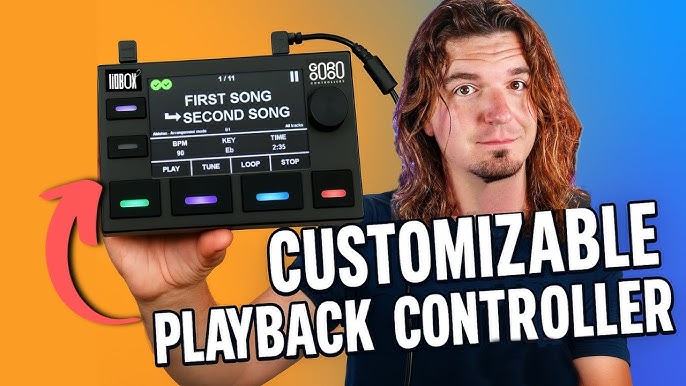
In this detailed review and walkthrough, musician and content creator Scott Uhl dives deep into the LIOBOX 2 by GOOROO CONTROLLERS. He demonstrates how this dedicated live MIDI controller streamlines backing tracks and playback workflows for drummers, keyboardists, solo artists, and playback techs alike.
Watch the full video below to see the LIOBOX 2 in action, from initial setup to advanced stage configurations:
Video Highlights & Chapter Outline:
-
Overview & Key Features: Active and next track display, built-in redundancy (Master / Spare), MIDI ports, and multi-DAW compatibility.
-
Unboxing & Accessories: What's in the box, included cables, adapters, carrying pouch, and the magnetic LIO Base.
-
Ableton Live Setup: Installing control scripts, Session vs. Arrangement mode, and auto-displaying BPM, key, and song duration.
-
Ableton Setlist Mode: Building, reordering, and loading custom setlists directly on the device without modifying your master DAW session.
-
Logic Pro Integration: Configuring Transport mode and Marker mode.
-
MIDI & iOS Compatibility: Using standard MIDI mode to control iPad applications like StageTracks 3.
-
Pad Customization & Banks: Programming short, double, and long presses, setting LED colors, and managing up to 4 pad banks.
-
System Settings & Display: Bank locking, day/night display themes, and screen customization.
-
Controlling External Gear via MIDI Out & In:
-
Sending MIDI commands to external effects processors (Line 6 HX Stomp) via MIDI Out.
-
Controlling the LIOBOX 2 hands-free with an external foot controller (Luminite M2) via MIDI In.
-
-
Final Verdict & Summary: Scott's take on build quality, usability, and reliability for live touring.