
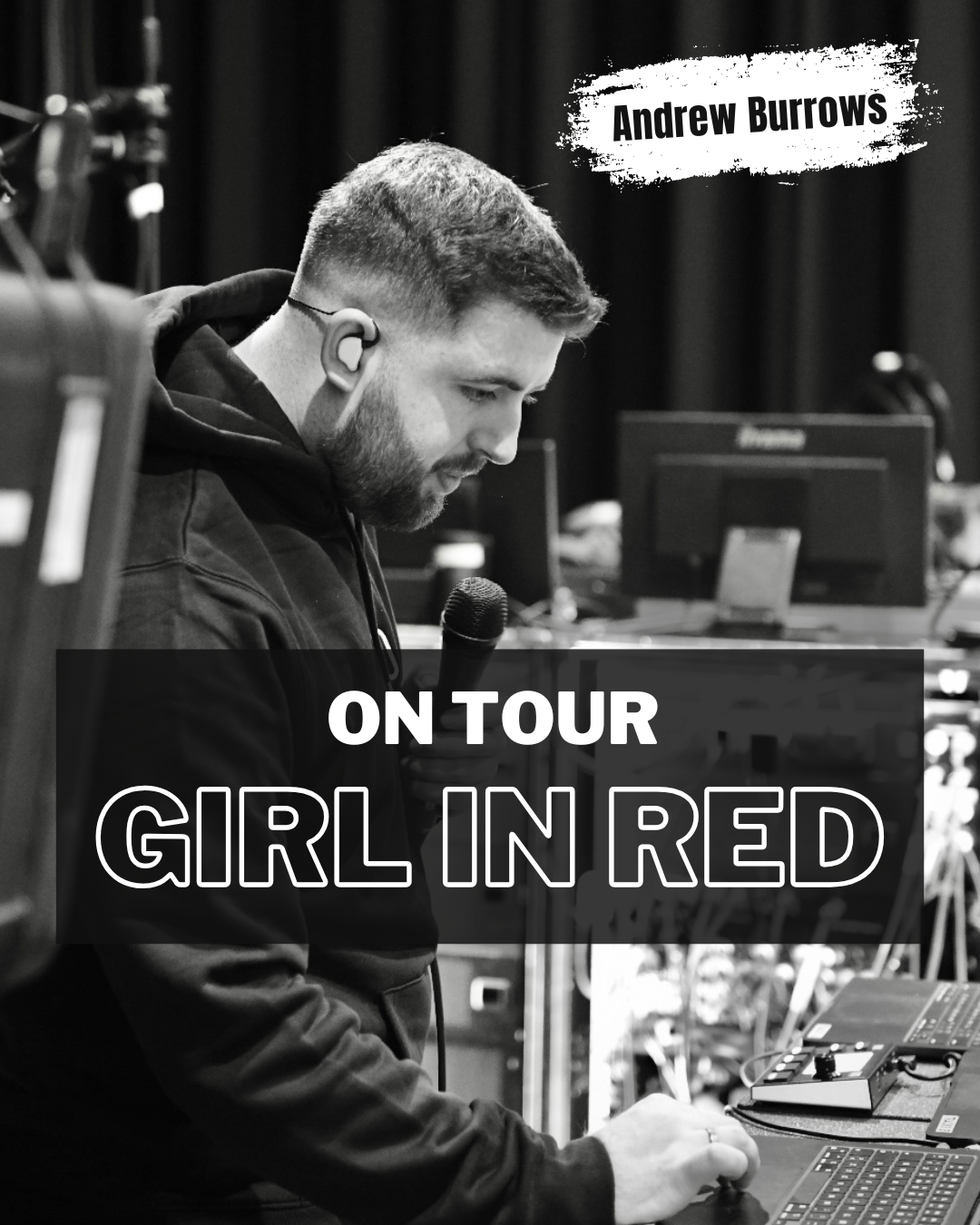

On major international tours, playback isn't just about pushing play on backing tracks—it’s the central brain controlling timecode, stage automation, and live instrument switching.
We caught up with Andrew Burrows (26, London), Musical Director, drummer, and Playback/Keys Technician for Girl in Red, to discuss his touring workflow and why the LIOBOX 2 has become an indispensable command center at his playback station.
A High-Stakes, MIDI-Driven Stage Rig
Managing a Girl in Red show requires precise timing and relentless attention to detail. Andrew’s responsibilities extend far beyond the playback rack:
-
Timecode Distribution: Ensuring video and lighting teams receive synchronized timecode from the moment setup begins.
-
Stage Automation & Cues: Calling show timings and adjusting sessions on the fly for mechanical stage lifts and pyrotechnics.
-
Remote Instrument Switching: Controlling patch changes remotely for Marie (Girl in Red) on guitar and piano during solo segments and interludes.
-
Pre-Show Protocol: Running complete MIDI loop checks across every instrument on stage to guarantee total responsiveness before the band steps out.
"This gig relies very heavily on MIDI... Being able to jump between different setlists is extremely helpful, and it’s super easy to scroll through songs on the fly."
— Andrew Burrows

3 Laptops, One Centralized Workflow
To handle tracks, vocal processing, and instrument automation simultaneously, Andrew runs a 3-laptop setup powered by Ableton Live:
-
Laptops A & B (Redundant Pair): Main and Spare machines running identical Arrangement View sessions for backing tracks, drum MIDI automations, and guitar patch automations.
-
Laptop C: Dedicated to real-time vocal/key processing and MIDI automation.
-
Hardware Architecture: Supported by two iConnectivity PlayAUDIO12 units for main track outputs, a Universal Audio Apollo (with a PA12 for 10 output lines) for keys and vocals, a timecode distripalyzer, and a network of iConnectivity MioXL and MioXM units spread across guitar, drum, and key stations.
Why the LIOBOX 2 is Essential to the Setup
Managing three laptops running complex sessions can quickly become overwhelming. For Andrew, integrating the LIOBOX 2 streamlined his entire workflow:
1. Single-Point Setlist Management
Instead of manually editing tracklists three separate times across third-party software interfaces, the LIOBOX 2 allows Andrew to edit setlists in one single place, saving valuable time during hectic show days.
2. Confidence and Precision On the Fly
When show arrangements change unexpectedly, the LIOBOX 2 allows for smooth scrolling through songs. Its tactile, firm button response gives Andrew total confidence that he won't accidentally trigger a track under pressure.
3. Rehearsal Efficiency
During rehearsals, Andrew relies on the LIOBOX 2 Advanced View to instantly reference key signatures, BPM, and track lengths—vital information frequently needed when directing the band.
4. Smart Bank Organization
Andrew keeps a dedicated bank of unplayed songs at the bottom of his setlist just in case the set changes, alongside essential utility routines: Line Check, MIDI Check, Output Check, and Mute.
5. Built for the Road
Touring means performing in all conditions. Andrew highlights the high-contrast screen for bright outdoor festival stages, as well as the overall rugged build quality designed to withstand heavy road use.
The Verdict
For complex, multi-laptop playback setups where failure is not an option, the LIOBOX 2 provides the reliability, visibility, and hands-on control modern playback engineers need.
"I try to encourage any gig I am on to get a LIOBOX 2 — particularly if you have a playback tech or multiple laptops... One of my favourite things about the LIOBOX 2 is how well it has been built. Big fan."
— Andrew Burrows